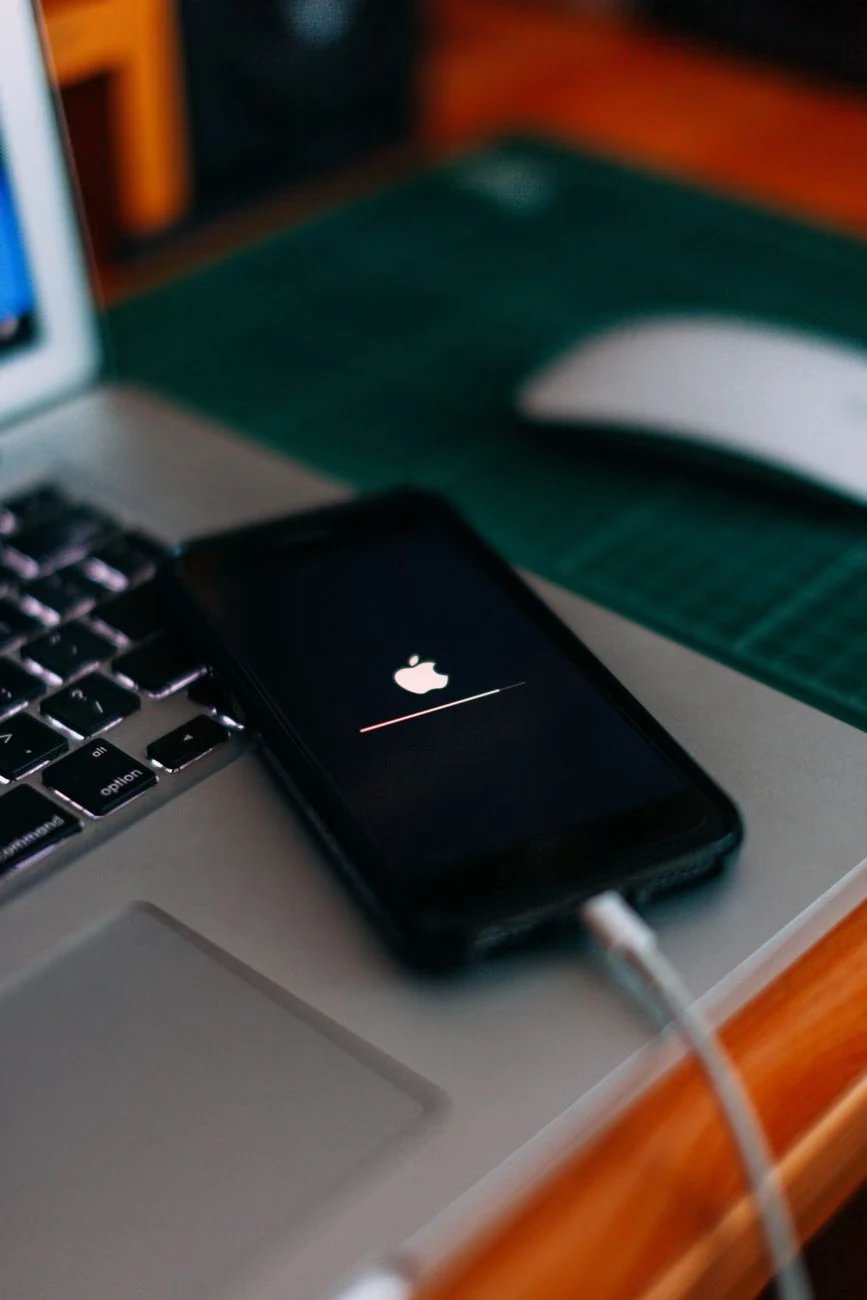
Upgrading to the latest Apple device is always exciting, but letting go of your current handset requires preparation. Your iPhone contains a massive vault of deeply personal information, tied intimately to your unique Apple ID. Handing this device over without properly severing these digital ties is incredibly risky for your ongoing personal security.
Understanding the critical steps of a complete system reset is absolutely vital for a smooth transition. Read this blog to learn what these resets do before selling your Apple device.
Disabling the Activation Lock Feature
Apple designed the "Find My" feature as a powerful deterrent against rampant global smartphone theft. When this feature is active, it permanently locks the physical hardware to your specific personal Apple ID. This feature, while excellent for stopping thieves, renders the phone completely useless for legitimate buyback companies.
A proper reset securely disables this activation lock, completely freeing the hardware for a brand new user. When you sell your Iphone, the buyback technicians can then successfully run their diagnostic tests. If you forget this vital step, the company will simply return the phone, severely delaying your final payment.
Wiping Apple Pay and Wallet Data
The Apple Wallet app stores your highly sensitive credit card details for incredibly fast daily contactless payments. It also holds your personal boarding passes, digital concert tickets, and even your digital driving licence securely. Leaving this highly sensitive financial and personal data on the device invites immediate and severe identity theft.
Here is how a factory reset protects your personal Apple Wallet data from strangers:
Erasing Credit Cards: It completely removes all digital tokens linked directly to your physical bank accounts instantly
Deleting Digital Keys: It safely removes any digital hotel keys or smart home access passes stored locally
Protecting Identification: It ensures your digital driving licence or national ID is permanently removed from the handset
Removing Paired Bluetooth Devices
Your iPhone serves as the central command hub for your entire Apple ecosystem of connected digital devices. It holds the secure Bluetooth pairing keys for your expensive AirPods, Apple Watch, and smart home speakers. A factory reset entirely forgets all these trusted devices, returning the Bluetooth radio to a completely blank state.
This ensures the new owner does not accidentally connect to your devices, even if they live in your neighbourhood. It also prevents any weird software glitches when they attempt to pair their brand new wireless headphones. A clean Bluetooth slate guarantees the hardware functions perfectly for the next person who excitedly purchases it.
Clearing Sensitive Health and Fitness Data
The Apple Health app quietly monitors incredibly intimate details about your daily physical activity and personal biology. It tracks your daily walking steps, resting heart rate, sleep cycles, and even highly sensitive medical records. Sharing this deeply personal biological data with a stranger is a massive invasion of your personal privacy.
Complete iOS system resets erase the following personal health data:
Erasing Fitness Tracking: It completely deletes your daily step counts, running routes, and recorded gym workout sessions
Removing Medical IDs: It safely wipes your emergency contacts, blood type, and listed medical allergies from the lock screen
Deleting Sleep Data: It entirely removes the deeply personal logs tracking your nightly sleeping habits and breathing rates
Ensuring a Seamless Setup for the Next User
When someone buys a refurbished Apple device, they expect the exciting experience of setting up a brand new phone. If they turn the device on and see your old lock screen wallpaper, they completely ruin the illusion. A proper factory reset returns the software to the iconic welcome screen in multiple different languages.
It guarantees the new user can seamlessly restore their iCloud backup without any annoying software conflicts. Providing a completely blank slate greatly increases the resale value and ensures the buyback company accepts your device quickly.
Prepare Your Apple Device for a New Home
Safely transitioning away from your old Apple ecosystem requires far more than just taking out the SIM card. A thorough system reset acts as a digital firewall, permanently separating your private life from the physical hardware.
Do not risk your digital security to save five minutes of basic administrative work today. Sign out of iCloud and delete all content and settings now. Complete your factory reset now and confidently sell your device quickly and profitably.
Copyright © 2026 California Business Journal. All Rights Reserved.
For California Business Journal Disclaimers, go to https://calbizjournal.com/terms-conditions/.


