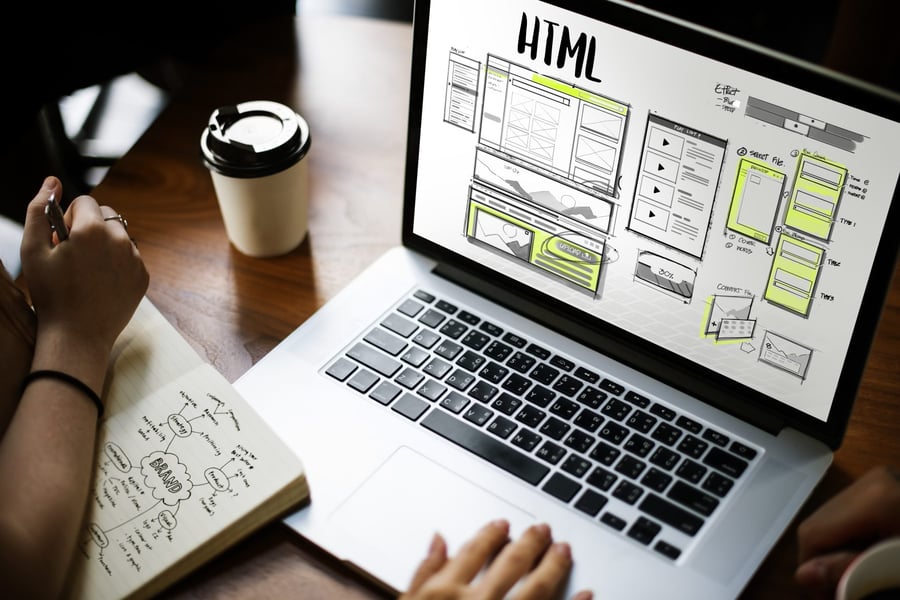
A strong website can help companies share news, numbers, and plans with ease. Today, simple tools and smart design can turn any investor page into something clear and useful.
When done right, it builds trust and keeps people coming back for updates. Read on to learn what works best and why it matters.
Easy Navigation Features
When people visit a site, they want to find things without getting lost. A clean layout with clear labels helps them move from page to page. They feel more comfortable when they know where to click next.
Menus should be simple, and the path to each section should be easy to follow. If someone has to search too long, they may stop looking. That can lead to missed updates or lost interest.
It's helpful to keep the homepage neat with only key choices shown first. Drop-down options can make deeper pages easier to reach. Every click should lead somewhere useful and expected.
Clear Financial Highlights
Investors often check numbers before reading anything else on the site. They want to see earnings, trends, and key facts without digging through long reports. Showing this data up front saves time and builds trust.
Charts and short tables can help make things easier to understand. When numbers look clean, people are more likely to stay and look around. They may also come back more often to stay updated.
It also helps to keep older highlights easy to find for those who want to look back. Each report should be easy to click, open, and read. Small details like this can make a big difference.
Mobile-Friendly Design
Many people use their phones to check the news or company updates. If a page loads slowly or looks messy, they might leave right away. That's why mobile design should work well on all screen sizes.
Buttons need to be large enough to tap without errors or extra steps. Text should be easy to read without zooming in. Simple layouts help users stay focused on the main points.
It's smart to test the site on phones before showing it to the public. If it feels smooth and fast, people are more likely to stay longer. That can lead to better engagement and stronger trust.
Real-Time Updates
Investors want to stay informed without waiting for updates or news. When a site shows fresh data fast, it helps build trust. People feel more connected when they see things happen in real time.
Companies share reports, news, and events often during the year. Posting these right away keeps investors in the loop. No one wants to miss key updates that may affect decisions.
It helps when each update is easy to spot and click. A clear layout with time stamps can show what is new. This saves visitors from searching or guessing what changed.
Many investor relations websites now offer quick updates to keep users engaged. This can make a big difference when news breaks or markets shift. Even short notes or alerts can help people stay on track.
Search and Filter Tools
When a website has many pages, finding the right one can take time. A good search bar can help people find what they need fast. It makes the site feel easier to use and less confusing.
Filters are also helpful when there are many reports or files. People can sort by year, type, or topic to narrow things down. This saves time and helps them focus on what matters most.
If visitors get lost or click too much, they may leave. Clear labels and filter options can guide them better. That way, they feel more in control of their search.
Even small tools can help the page feel smooth and simple. When people can find things fast, they are more likely to return.
Visual Data Displays
Some people prefer to look at charts instead of reading long lines of text. A simple graph can show trends or changes without too much effort. It helps the eye follow patterns and keeps the brain more focused.
When the page has clean visuals, things become easier to understand. A line or bar can show a full story in seconds. This can help new visitors learn without needing to read everything.
It's good to keep charts short and easy to spot on the page. Too many lines or numbers can feel hard to follow. Simple tools can do a better job most of the time.
By using clear shapes and colors, the data feels less heavy. People will spend more time reading if things look easy and neat.
Contact and Support Access
When people have questions, they should know who to reach out to. A clear contact section helps them find the right person fast. It shows that someone is there and willing to help.
It also helps to give more than one way to connect. A phone number, email, or even a form can all be useful. Each person has their very own way of reaching out.
Placing the contact link where people can spot it helps a lot. Some sites keep it at the top or bottom for quick access. If it's hard to find, people may feel stuck.
Good support also means replies come on time without long waits. That makes users feel heard and taken care of.
Secure Document Downloads
Many visitors need to open reports or files from the site. These downloads should be fast and safe to use. A small mistake can turn people away or raise concerns.
Each file must open without asking for too much effort or time. It also helps if the format works well on any device. When things work on the first try, people feel more at ease.
Keeping downloads in one place can make the process smoother. A short list or menu can help them find what they need.
People want to feel safe when clicking on links or files. Showing clear labels and file sizes can help with that.
Prioritize Investor Engagement With These Solutions
A good investor website helps people find what they need without any trouble. It should be simple, clear, and easy to use. When companies care about how they share updates, investors notice.
This builds trust and keeps them interested. Small changes can make a big difference. With the right tools, any business can keep investors happy and well-informed.
Did you learn something new from this article? For more tips and guides, keep checking out our blog!
Copyright © 2025 California Business Journal. All Rights Reserved.
For California Business Journal Disclaimers, go to /terms-conditions/.


