Reliable internet connectivity is essential for homes, remote workers, and businesses of all sizes. As bandwidth-intensive applications such as cloud services, video conferencing, online gaming, and smart devices become more common, users are paying closer attention to the equipment at the edge of their networks. Two devices are central to this discussion: the modem and the router.
Although they are often mentioned together, these devices serve very different purposes. Not understanding how modems and routers differ can lead to inefficient network design, unnecessary spending, and avoidable performance issues. This article explains their roles, how they work together, and how to choose the right setup.
What Is a Modem?
A modem connects a local network to an internet service provider. The term comes from modulator-demodulator, which describes its function of converting digital data into signals suitable for the ISP’s transmission medium and converting incoming signals back into digital data.
Different access technologies require different modem types. Cable modems work with coaxial networks, DSL modems operate over copper telephone lines, fiber ONTs or fiber modems connect to optical networks, and cellular modems provide 4G or 5G connectivity.
Regardless of the technology, the modem is responsible for establishing and maintaining the WAN connection. Without it, devices cannot reach the public internet. However, a modem typically supports only a single connected device and does not manage internal traffic, wireless access, or security. These responsibilities belong to the router.
What Does a Router Do?
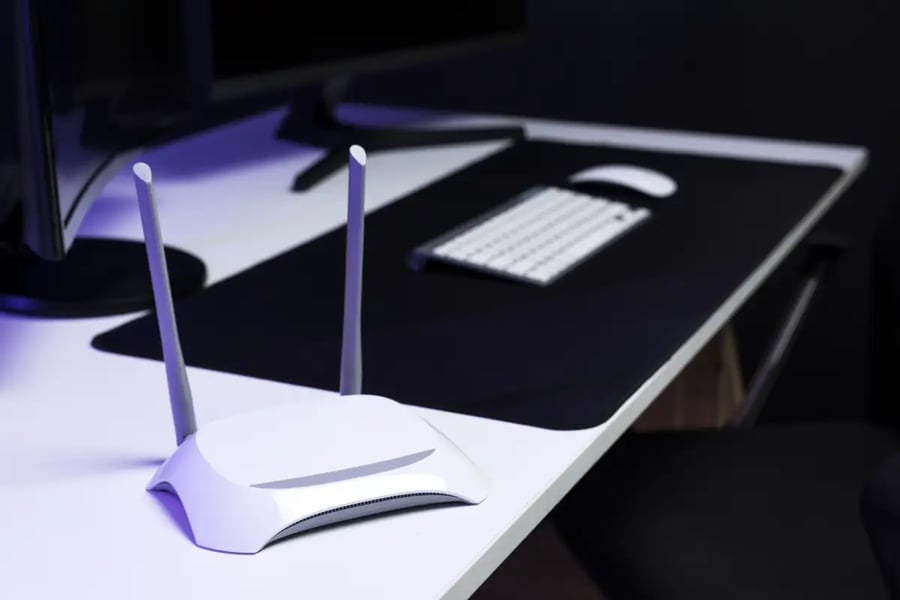
A router manages communication within the local network and directs traffic between connected devices and the modem. It acts as the control point for data flow.
Key router functions include assigning local IP addresses, performing network address translation, enabling wired and wireless connectivity, applying firewall rules, and managing bandwidth. Many modern routers also support features such as mesh Wi-Fi, VPN access, parental controls, and Quality of Service, which are especially important for remote work and small business environments.
How Modems and Routers Work Together
In a typical setup, the modem and router operate as complementary components. The ISP delivers internet access through fiber, cable, DSL, or cellular infrastructure. The modem converts the incoming signal into digital data. The router then distributes that data to connected devices. Return traffic follows the same path in reverse.
This separation allows each device to focus on its core function. The modem handles ISP compatibility and signal synchronization, while the router manages local performance, security, and user experience.
Modem Router Combos
To simplify installation, many manufacturers offer modem-router combo devices that integrate both functions into a single unit. These devices reduce hardware clutter, require fewer cables, and are often easier to configure. For apartments or light internet usage, they can be sufficient.
However, combo devices limit flexibility. Upgrading Wi-Fi performance usually requires replacing the entire unit, advanced routing features may be limited, and a failure in one component affects the whole system. These trade-offs are discussed further in modem router combo vs separate devices.
Choosing the Right Setup
For basic home use, a combo device may meet requirements. Homes with multiple users and smart devices often benefit from a separate router with stronger Wi-Fi capabilities. Remote workers need stability, low latency, and security, making dedicated routers a better option. Small businesses generally prefer separate devices to support scalability and easier maintenance.
Conclusion
A modem connects your network to the internet, while a router determines how that connection is shared and managed. Understanding their distinct roles is essential for building a reliable and future-ready network. Choosing the right configuration improves performance, flexibility, and long-term value.
Copyright © 2026 California Business Journal. All Rights Reserved.
For California Business Journal Disclaimers, go to /terms-conditions/.


