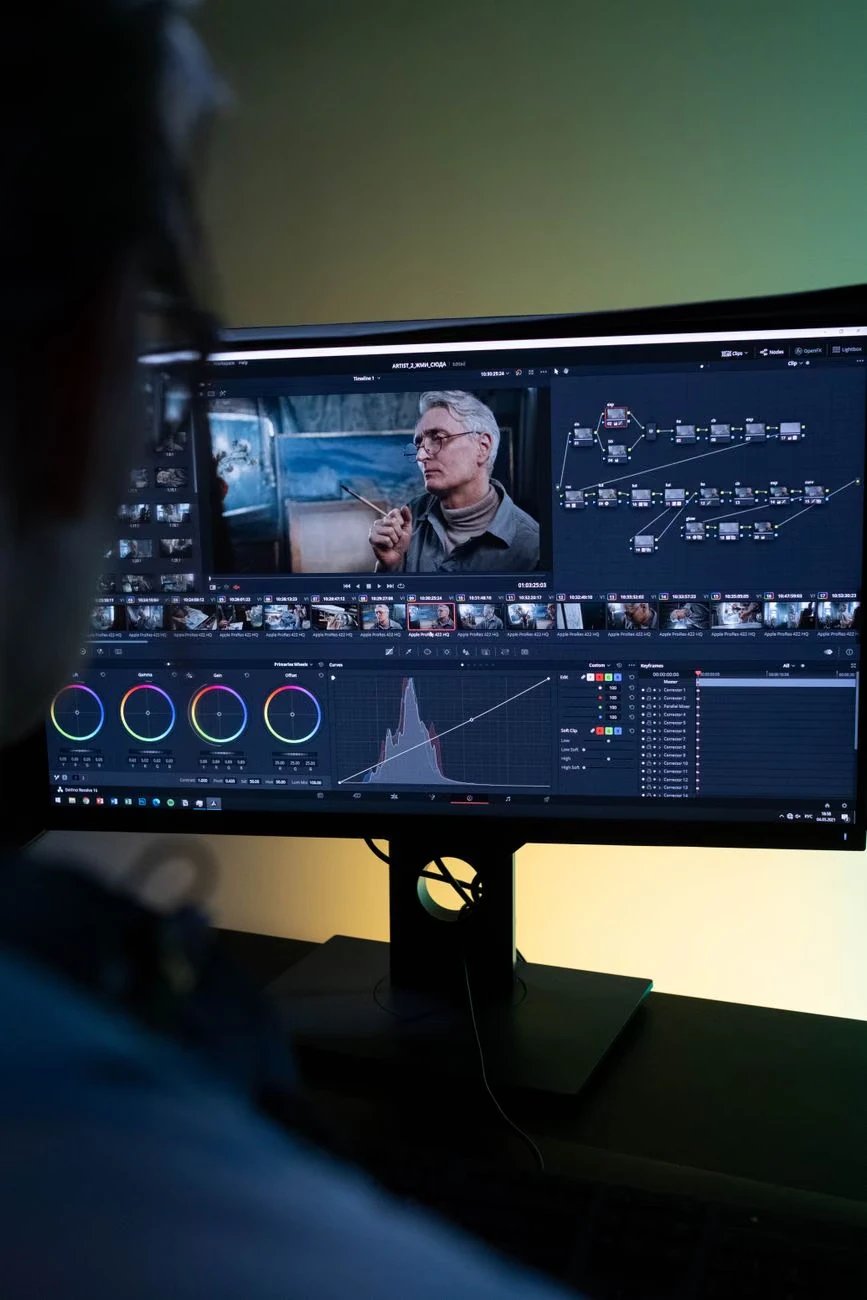
Studios live on predictability. Schedules, budgets, and approvals all depend on knowing what a shot will look like before it is final. AI video can feel unpredictable, so reliable workflow matters.
Dreamina's Seedance 2.5 Draft brings that structure. The Draft mode lets studios lock choreography, lighting, and camera in quick 480p previews before generating a native 1080p final. Let's explore how to build an AI video pipeline your whole team can trust.
Why Studios Need Reliability
A studio cannot afford to guess. Directors need to approve shots, producers need to forecast costs, and artists need to know what changes are coming.
A preview-then-final process gives everyone a shared checkpoint. With Dreamina, that checkpoint is built into the model workflow.
Standardize Your Shot Review Process
A consistent review checklist helps every department evaluate Drafts using the same criteria. Directors can focus on composition and performance, cinematographers can assess lighting and camera movement, and producers can check whether the shot meets its budget.
Keeping feedback organized also prevents conflicting revisions. With Dreamina's Seedance 2.5 Draft mode, teams can use each 480p preview as a shared approval point before moving to final generation.
Build Reusable Workflows for Future Projects
Once a workflow works, document its prompts, reference assets, review criteria and task ID records. Reusing these practices across projects reduces setup time and makes collaboration easier. Teams can also identify which types of scenes need more Draft attempts and allocate resources accordingly.
This turns Seedance 2.5 Draft mode into a repeatable production process rather than a one-off experiment.
Meet Dreamina's Seedance 2.5 Draft Mode
Draft mode is the preview-first workflow of Seedance 2.5. You create 480p Drafts, choose the strongest take and generate a fresh native 1080p final that reuses the Draft's prompt, references, seed, aspect ratio and duration.
Highlights for studio pipelines:
Consistent results: composition, subject motion and camera movement stay closely aligned.
Transparent pricing: US$0.514 per 5-second Draft and US$2.843 per 5-second final, billed independently.
Faster turnaround: finals were 39.3%-57.7% faster than direct 1080p in tests, excluding Draft time.
API access: build it into your pipeline through the BytePlus ModelArk API.
A Studio Pipeline in Three Steps
Here is the dependable workflow with Dreamina and Seedance 2.5 Draft mode.
Step 1: Create a 480p Draft
Start a Draft request with your scene description and any image, video or audio references.
For example: Create a cinematic continuous shot of a film crew working on a dramatic palace scene. An actor in a crimson costume performs a graceful turn while the camera operator tracks smoothly alongside. Crew members and studio lights remain visible in the background. Balanced composition, consistent lighting, natural movements, professional film-set atmosphere, no cuts.
Set Draft mode on and choose 480p, the supported preview resolution. Wait until the Draft succeeds before reviewing the video.
Step 2: Compare takes and choose the shot
Next, fine-tune your settings by selecting a model, Seedance 2.5 Draft. You can also choose the size of the video, for example 16:9 for a YouTube channel or 9:16 for social media Reels. Lastly, select the duration of video you desire and click generate.
Step 3: Generate and review the final draft
Watch for composition, performance, camera movement, dialogue, audio, and pacing. Refine the prompt or references and create new Drafts when you want a different creative direction. Create a final-generation task using the same model. Choose "Generate in full quality" for enhanced video quality. When the task succeeds, download and review the newly generated final for continuity, lighting, and detail before delivery.
Locking Choreography Before the Final
One film studio used Draft mode to lock choreography and lighting for a palace-dance scene in 480p before generating the final in native 1080p.
That approach works for many scenes:
Approve movement and spacing early.
Settle lighting direction before the render.
Share one clear Draft with the director.
Planning Long Takes and Complex Staging
Long takes are risky because one mistake can ruin the whole shot. A creative technology studio used Draft mode to plan a continuous market scene, checking blocking, prop handoffs and background spacing.
Previewing the full sequence helps your team catch problems before they become expensive.
Approvals and Client Reviews
Directors and clients respond better to moving previews than to descriptions. Share labeled Drafts and collect feedback before any final render.
Because Drafts are quick, you can fold notes into a new round the same day with Dreamina's Seedance 2.5 Draft mode.
Tracking Task IDs and Validity
Reliable pipelines need good records. Log each Draft ID alongside the shot name and approval status.
Draft IDs created on or after October 28, 2026 (10:00 UTC+8) stay valid for 14 days, while earlier ones last seven. Expired IDs cannot create finals.
Forecasting Costs With Confidence
The pricing model is clear enough for producers to plan with. Eleven Drafts plus one final cost about US$8.497 in the modeled example, around 73% less than eleven direct 1080p renders.
Predictable costs make approvals smoother and budgets easier to defend.
Quality Control on the Final
Once the 1080p final succeeds, build review into the pipeline. Check continuity, lighting, and detail against the approved Draft.
The final may still differ slightly, so a sign-off step keeps quality consistent across the project.
Conclusion: A Pipeline Studios Can Trust
Reliable AI video comes from clear checkpoints. With Dreamina's Seedance 2.5 Draft mode, studios can preview, approve, and then generate one native 1080p final with confidence.
This model gives film and animation teams a workflow that is faster to explore and easier to manage. Start a Draft for your next shot and build your pipeline one dependable step at a time.
Copyright © 2026 California Business Journal. All Rights Reserved.
For California Business Journal Disclaimers, go to https://calbizjournal.com/terms-conditions/.


