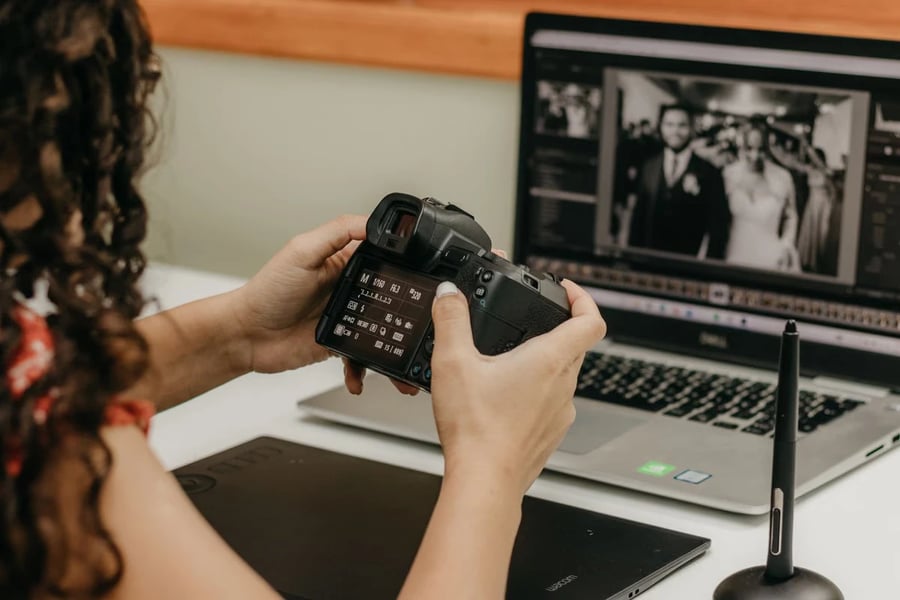
Digital images now pass through many hands before they reach a website, campaign, presentation, or product listing. A photograph may begin on a phone, move to a shared folder, receive comments from several colleagues, and then be adapted for different channels. Without a clear process, teams can spend more time searching for the right file or repeating edits than improving the visual itself. A simple, repeatable workflow helps creative teams protect quality while moving quickly.
The goal is not to remove judgment from image editing. Good visual work still depends on context, taste, and an understanding of the audience. The goal is to separate routine decisions from creative ones.
Begin With a Defined Visual Purpose
Before opening any editing tool, write down what the image needs to accomplish. A hero image for a landing page has a different job from a marketplace thumbnail or a supporting illustration in a business article. The intended placement determines the crop, level of detail, amount of negative space, and acceptable file size. It also influences whether the image should feel editorial, technical, friendly, premium, or energetic.
Protect the Original and Organize Versions
Keep the source image unchanged. Store it in a clearly labeled folder and create an editable working copy. A useful naming pattern can include the project, subject, format, version number, and status. For example, a team might distinguish between source, working, review, approved, and exported files. This makes it easier to compare revisions and recover from an edit that looked promising at first but later proved distracting.
Version discipline is especially helpful when an AI Image editor is part of the workflow. Generated or assisted variations can be useful for exploration, but each result should remain traceable to the source and the brief. Save only meaningful alternatives, record why a version was kept, and avoid filling the review folder with near-duplicates. A small set of intentional options leads to better feedback than a large set of barely different images.
Correct Structure Before Style
Start with changes that affect the whole image. Confirm orientation, crop, horizon, perspective, and the position of the main subject. Remove accidental empty areas and check whether the composition still works at the smallest required size.
Use Automation as a Drafting Partner
Automated tools can accelerate repetitive tasks such as background cleanup, object isolation, resizing, and the creation of initial variations. They are most useful when the request is specific. Instead of asking for a vague improvement, describe the intended outcome: preserve the product shape, keep natural shadows, reduce background distractions, or create room for a headline on the left.
Review in the Final Context
An image should not be approved only inside the editor. Place it in a realistic preview of the page, advertisement, email, or presentation where it will appear. Check how it interacts with nearby text, buttons, logos, and other images. A crop that looks balanced on its own may feel crowded once a headline is added. Likewise, subtle contrast may disappear on a bright mobile screen.
Create a Short Quality Checklist
A checklist keeps the final review objective. Confirm that the correct source was used, the crop matches the destination, and the color profile is suitable for the channel. Verify that no confidential notes, temporary guides, or hidden layers appear in the export. Check spelling in any embedded text and make sure logos or product labels have not been distorted.
Improve the Process After Delivery
Once the asset is published, keep a brief record of what worked. Note whether reviewers asked for the same correction more than once, whether a required size was discovered late, or whether an export setting caused a problem. These observations can become updates to the next brief or checklist.
A mature image workflow is not defined by the number of tools it uses. It is defined by clear intent, controlled versions, careful review, and reliable delivery. With those foundations in place, creative teams can experiment more confidently, reduce avoidable rework, and produce visuals that remain consistent across fast-moving business needs.
Copyright © 2026 California Business Journal. All Rights Reserved.
For California Business Journal Disclaimers, go to https://calbizjournal.com/terms-conditions/.


