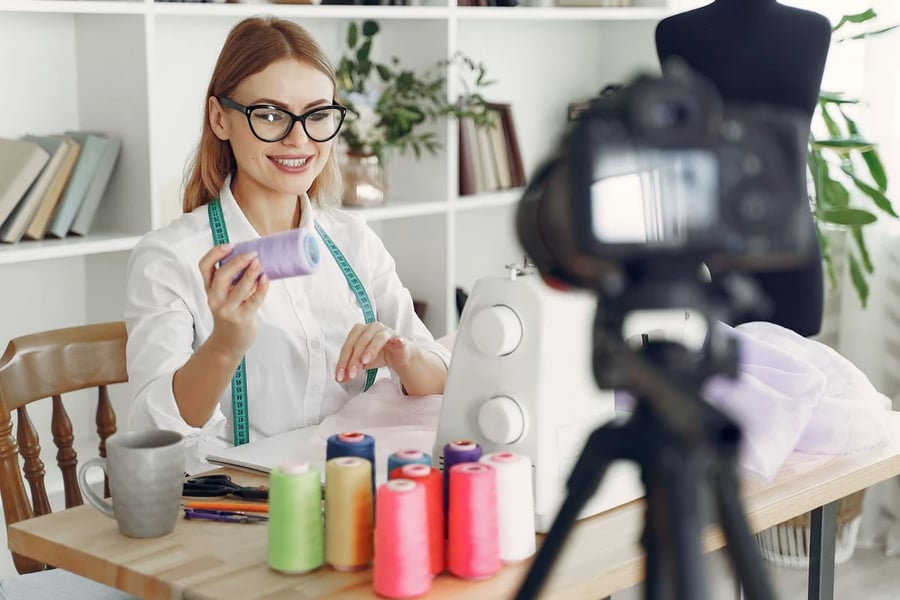
Video has become the default format for marketing. Social platforms favour it, product pages convert better with it, and customers increasingly expect to see a product move before they buy it. For small businesses, though, video has always been expensive. A short professionally produced clip can easily cost more than a month of advertising spend, and it is out of date the moment the product range changes.
AI video generation has changed that equation. Many businesses already have the most important raw material, which is good product photography. New image-to-video and reference-to-video models can turn those photos into short clips that are usable for social posts, product pages and simple ads. Used thoughtfully, they can bring video within reach of a business with a marketing team of one.
Start with what you already have
The strongest AI video results usually come from strong inputs. A clean product photo on a neutral background, a well-lit shot of a shop interior, or a photo of a dish on a restaurant table gives the model something concrete to animate. Rather than asking an AI to invent a product from text, which risks showing something that does not match what customers receive, image-based generation keeps the product recognisable.
Before generating anything, gather your best five to ten photos and check that they are sharp, well lit and accurate. If a photo shows an old version of the packaging, replace it first. AI video amplifies whatever you feed it, including mistakes.
Know the two main approaches
Image-to-video takes a single photo as the first frame and animates it. This is ideal for subtle motion: steam rising from a coffee cup, fabric moving in a breeze, a camera slowly pushing in on a product. It keeps the result very close to the original image.
Reference-to-video uses several images as guidance and builds a new scene that includes them. This is useful when you want a product to appear in a setting you have not photographed, such as a backpack on a hiking trail, while still looking like your backpack.
Vidu Q4 is one current model that offers both approaches. According to APIMart's documentation, it can animate a single first frame or use between one and fifteen reference images, with an optional MP3 audio reference, producing clips of three to sixteen seconds at resolutions from 540p up to 4K. Businesses or agencies building their own tools can test it through the Vidu Q4 API on APIMart, which runs the model as a preview with pay-as-you-go billing. It does not generate video from text alone, which is a sensible fit for marketing work where the product photo should lead.
Keep clips short and purposeful
The temptation with any new tool is to make everything longer and more elaborate. In practice, the clips that perform best on social platforms and product pages are short. Five to eight seconds is enough to show a product in motion, catch attention in a feed and loop smoothly on a website.
Decide on one job for each clip before you generate it. Show the texture of a fabric. Show how a bag opens. Show a finished dish being served. A clip that tries to do three things usually does none of them well.
Control costs from the start
AI video is usually priced per second of output and by resolution, so costs can climb quickly if you are not deliberate. A few simple habits keep spending predictable:
Draft at low resolution. Test ideas at 540p or 720p, then render only the chosen version at 1080p or higher.
Generate several short variations rather than one long clip. It is cheaper to discard a five-second miss than a fifteen-second one.
Set a monthly budget. Treat AI video like any other ad spend, with a cap and a review at the end of the month.
Track cost per usable clip. The meaningful number is not price per second but how much you spend for each clip you actually publish.
Stay accurate and honest
Consumer protection rules apply to AI-generated marketing just as they apply to photography. If a clip shows a product doing something it cannot do, or looking noticeably better than the real item, it can mislead customers and create legal risk. Review every clip with the same care you would apply to a printed advertisement.
A good test is to ask whether a customer who bought the product after watching the clip would feel it was represented fairly. If the answer is anything other than a clear yes, edit or discard the clip.
Be careful with people, too. Avoid generating realistic customers or staff without consent, and do not create scenes that imply endorsements or testimonials that never happened.
Measure what works
The point of cheaper video is to test more ideas. Use that advantage. Publish two or three variations of a clip on social platforms or in ads and compare engagement, click-through and, where possible, sales. Over a few weeks, patterns emerge: perhaps slow camera movements outperform fast ones, or lifestyle settings beat plain backgrounds for your audience.
Keep a simple log of what you generated, the settings used, the cost and the results. That log quickly becomes the most valuable marketing asset you have, because it tells you what to make next.
The bottom line
AI video will not replace every kind of professional production. Brand films, testimonials and anything that needs real people telling real stories still benefit from a camera and a crew. But for the everyday flow of product clips, social posts and simple ads, image-based AI video lets small businesses produce more, test faster and spend less, provided they start with good photos, keep clips focused and stay honest about what customers will receive.
Copyright © 2026 California Business Journal. All Rights Reserved.
For California Business Journal Disclaimers, go to https://calbizjournal.com/terms-conditions/.


